
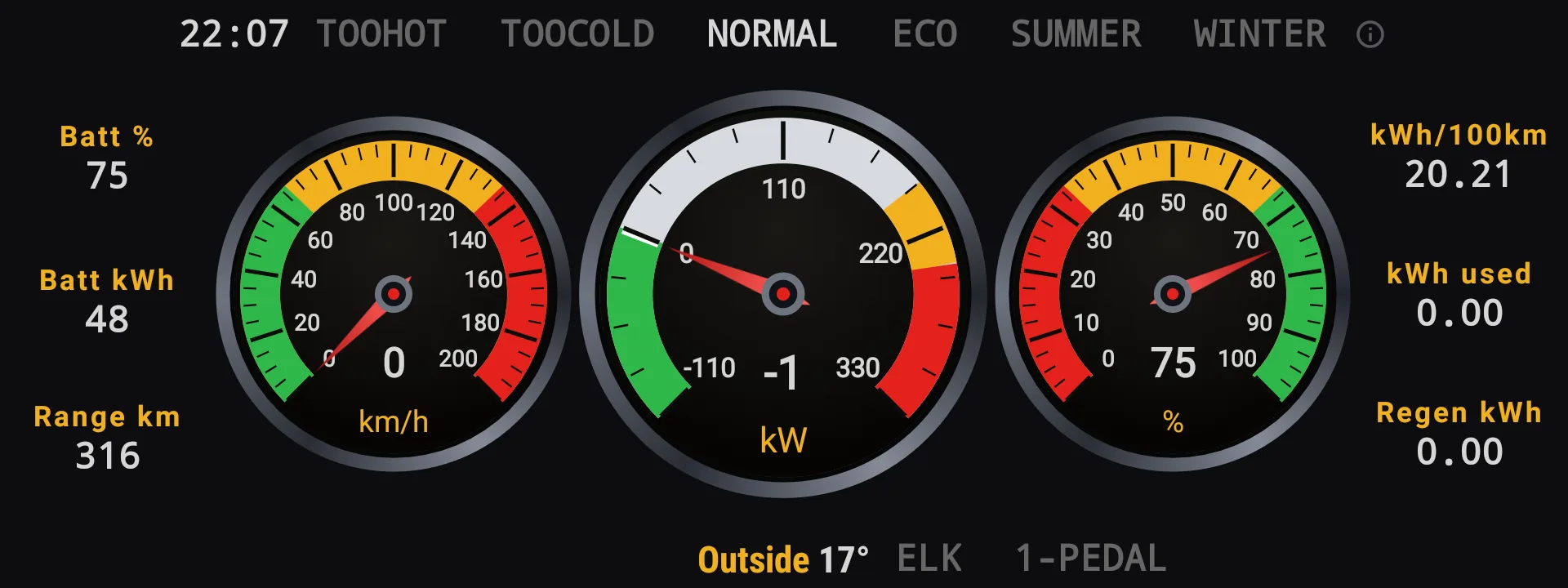
Everything starts here.
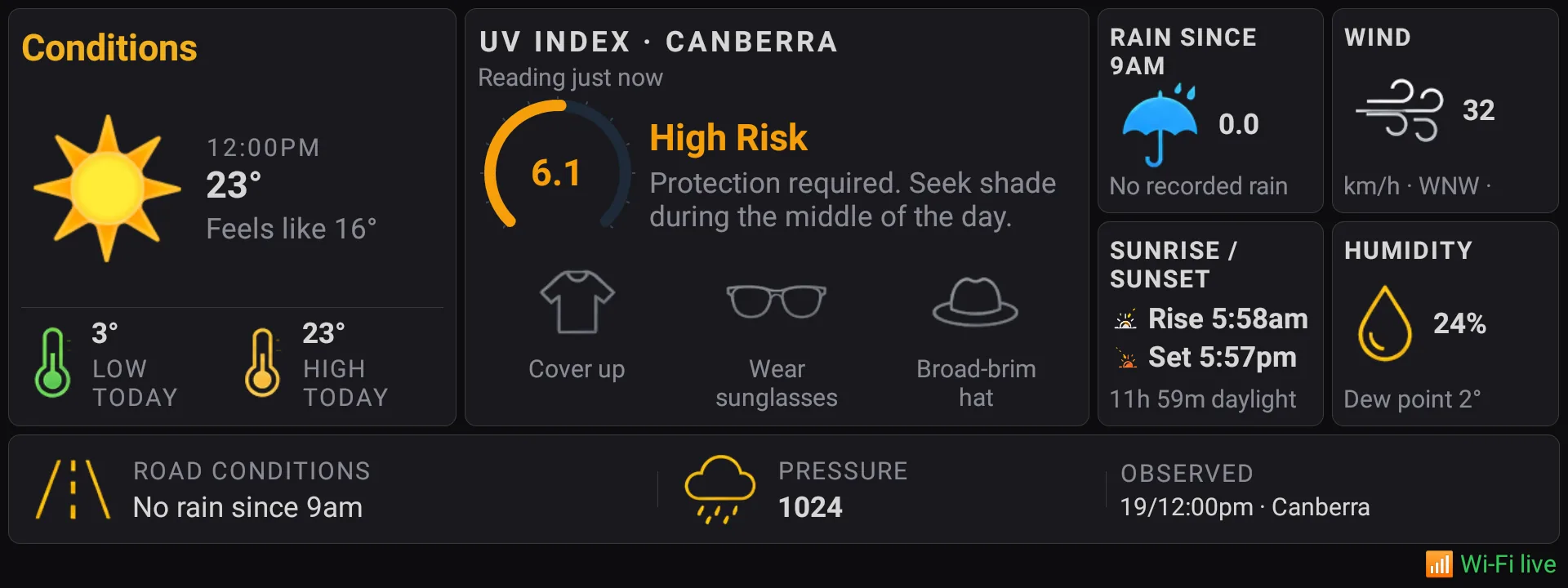
Your apps and favourite screens, across your home pages.
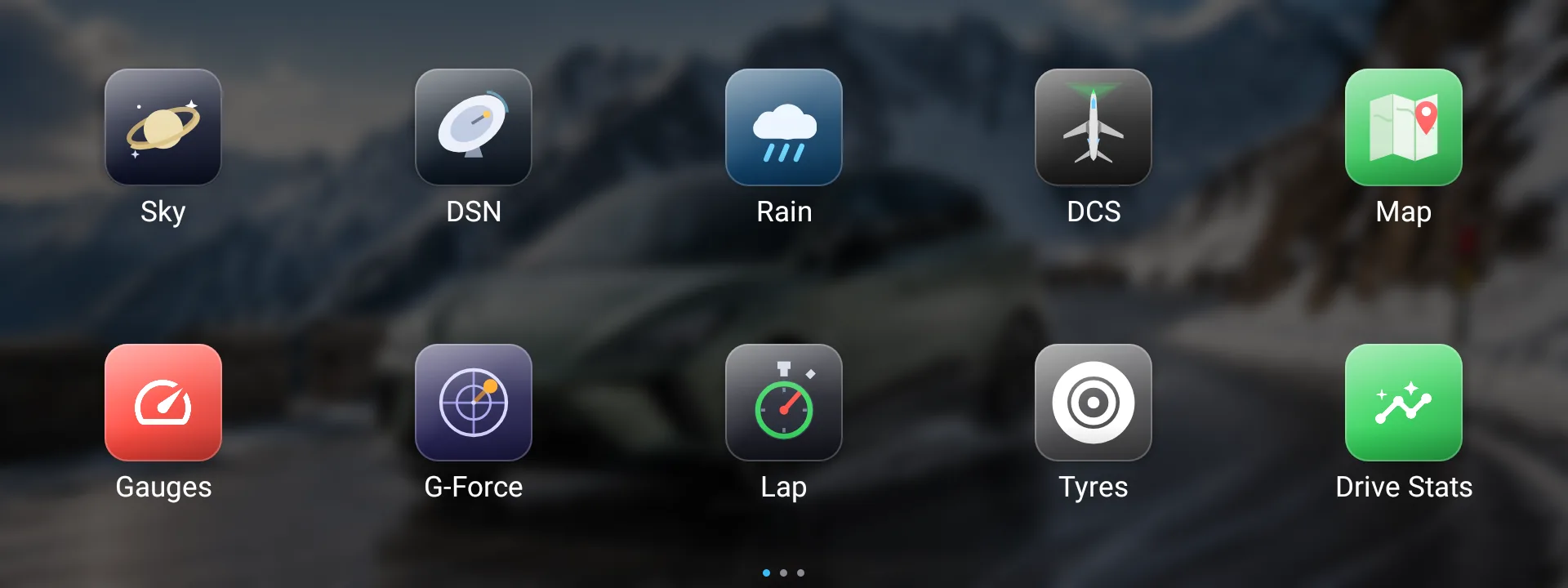
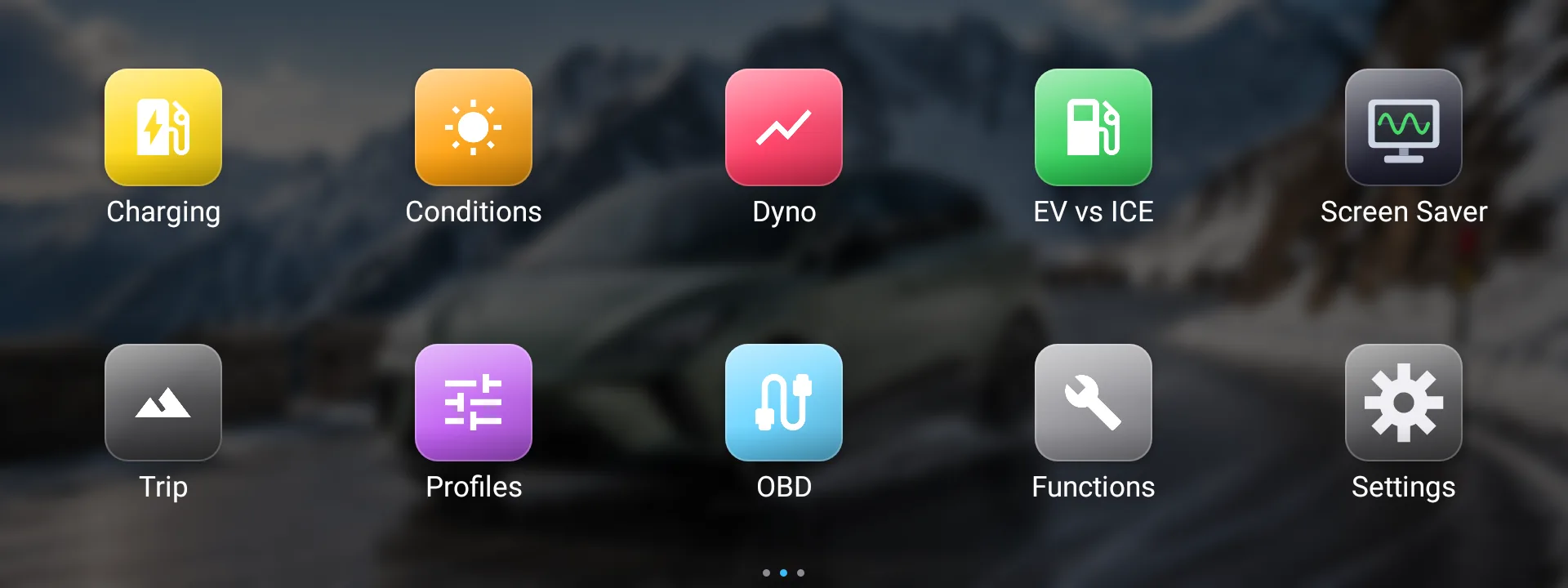
A closer look at Zoomy.
Browse the screens. Open any picture for the full view.
- 21 pages in total (7 are shown)
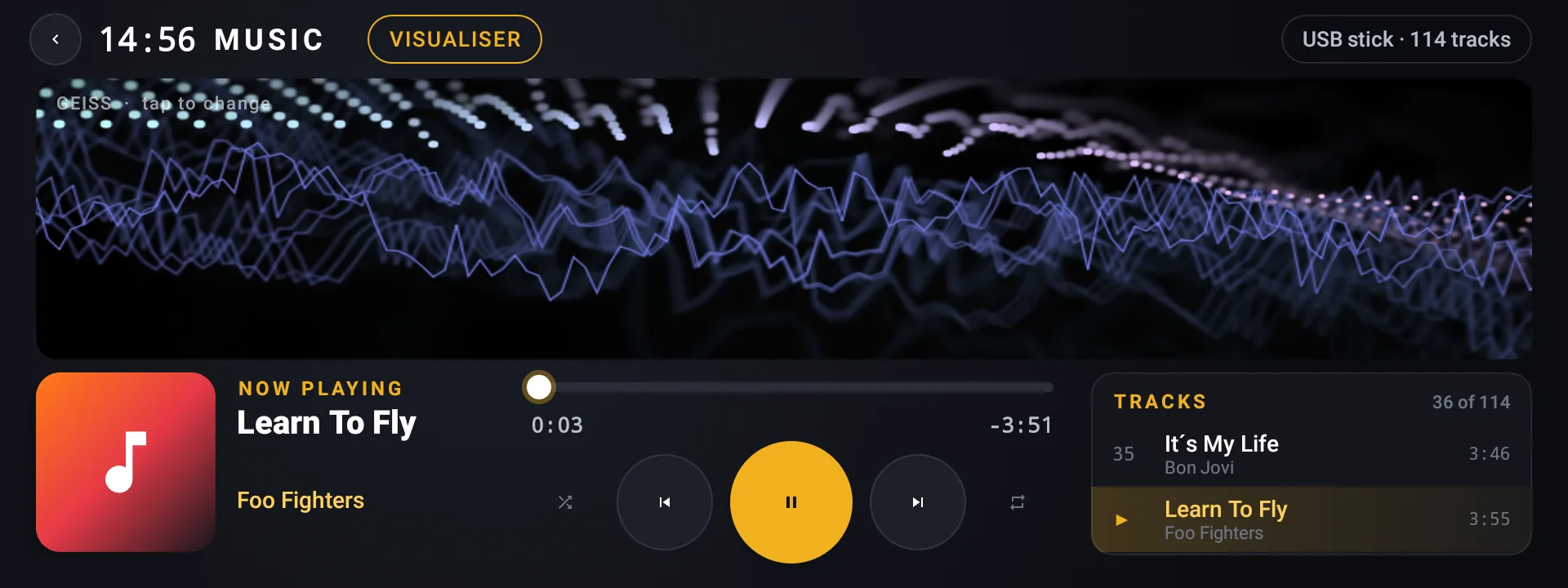
More useful every day. More fun when you want it.
Screen brightness
Zoomy auto dims the screen as the sun goes down, fully automatic and fully controllable — no more reducing the brightness by hand every night since the original unit never auto dims correctly.
Completely customisable: set how many minutes before sunset it starts, how far down it goes, and whether it fades or steps.
Climate, before you ask
Zoomy reads the real outside temperature as you start the car and applies the appropriate setting. So on a freezing morning, seat heaters, steering wheel heater and the HVAC are all on automatically. Same in summer — cooling comes on when it detects a hot afternoon.
All settings fully customisable to suit you.
CarPlay and Android Auto, without the fiddling
Phone or wireless dongle already plugged in when the car starts? The factory unit often never notices it. Zoomy re-connects it for you, so CarPlay or Android Auto comes up on its own — no unplugging, no waiting.
A floating button on every Zoomy page takes you straight back to your phone screen.
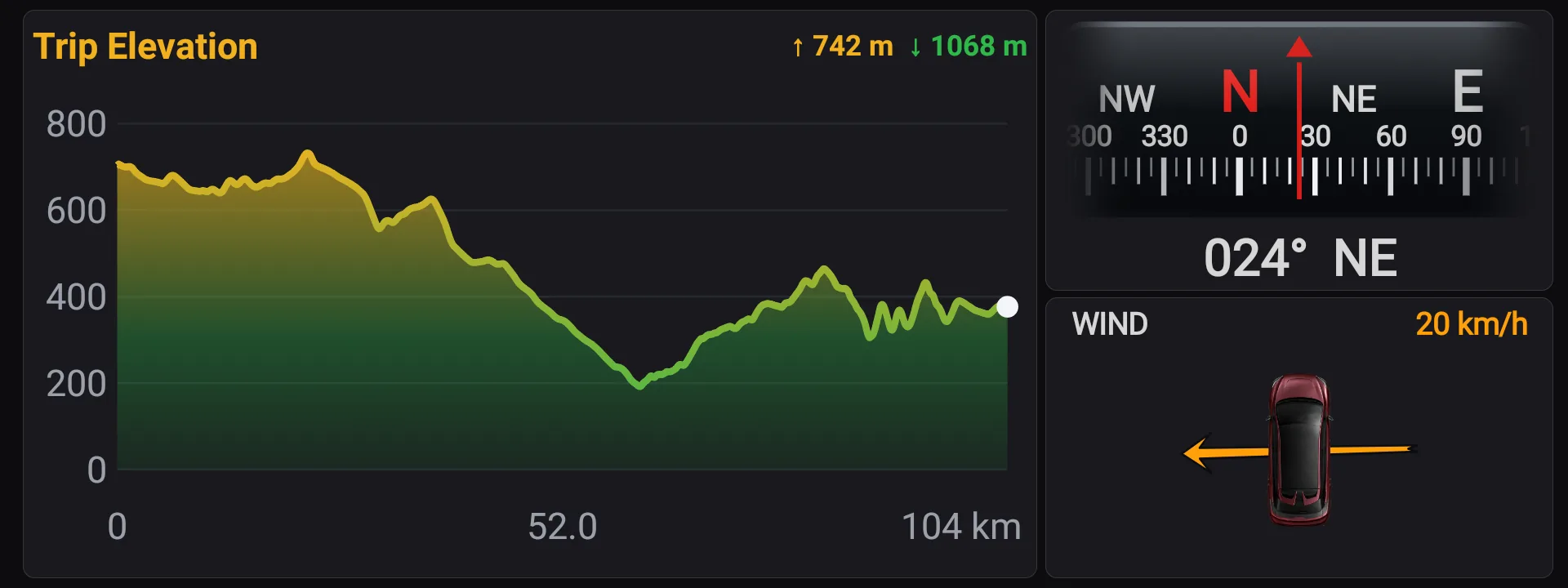
See the climb
The Trip page draws the elevation profile of the drive as it happens — distance from the car’s own speed sensor, height from GPS with the jitter smoothed out — with the metres climbed and descended beside it, next to the compass, the relative wind and the energy figures they explain.
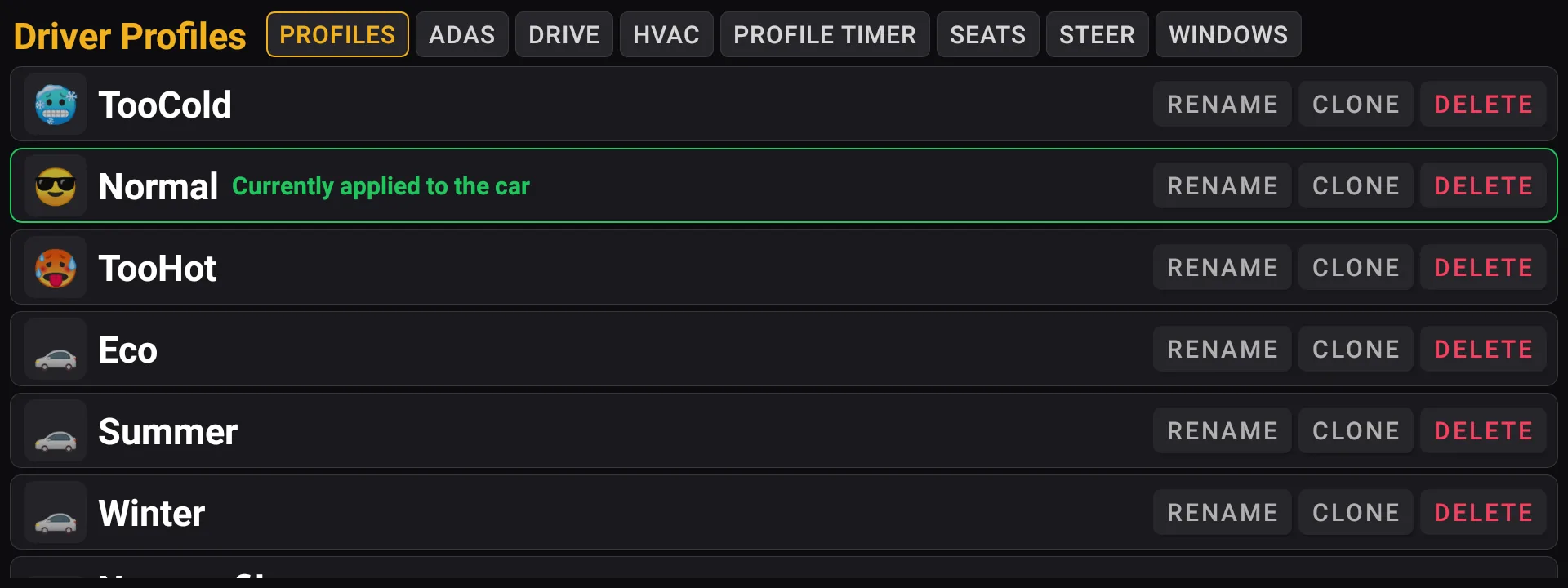
Driver profiles
Drive mode, regen, heating and driver assistance saved together — and put back as you get in.
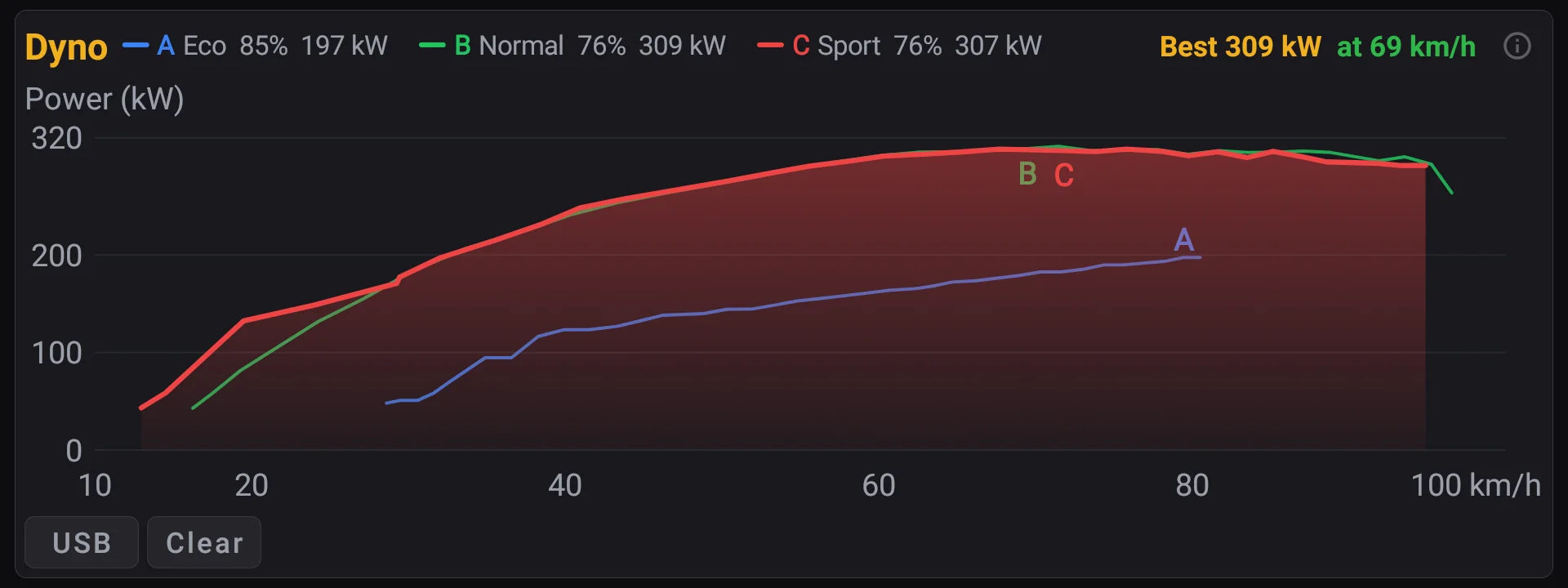
Watch the drive come alive
See power, regen, speed and energy use moving in real time.
Enjoy the fun stuff
Acceleration timing, lap timing and nine visualisers — because the screen does not always need to be serious.
Plan with confidence
See whether the battery comfortably covers the trip — and the drive home.
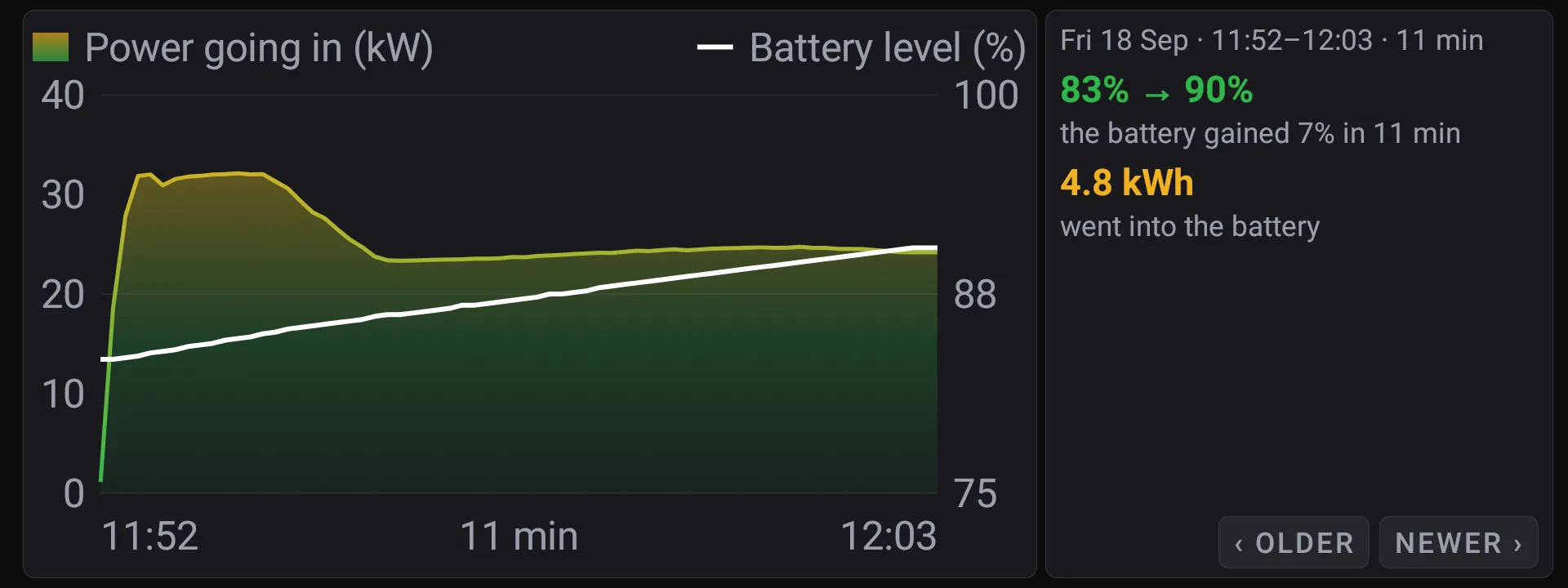
Understand every trip and charge
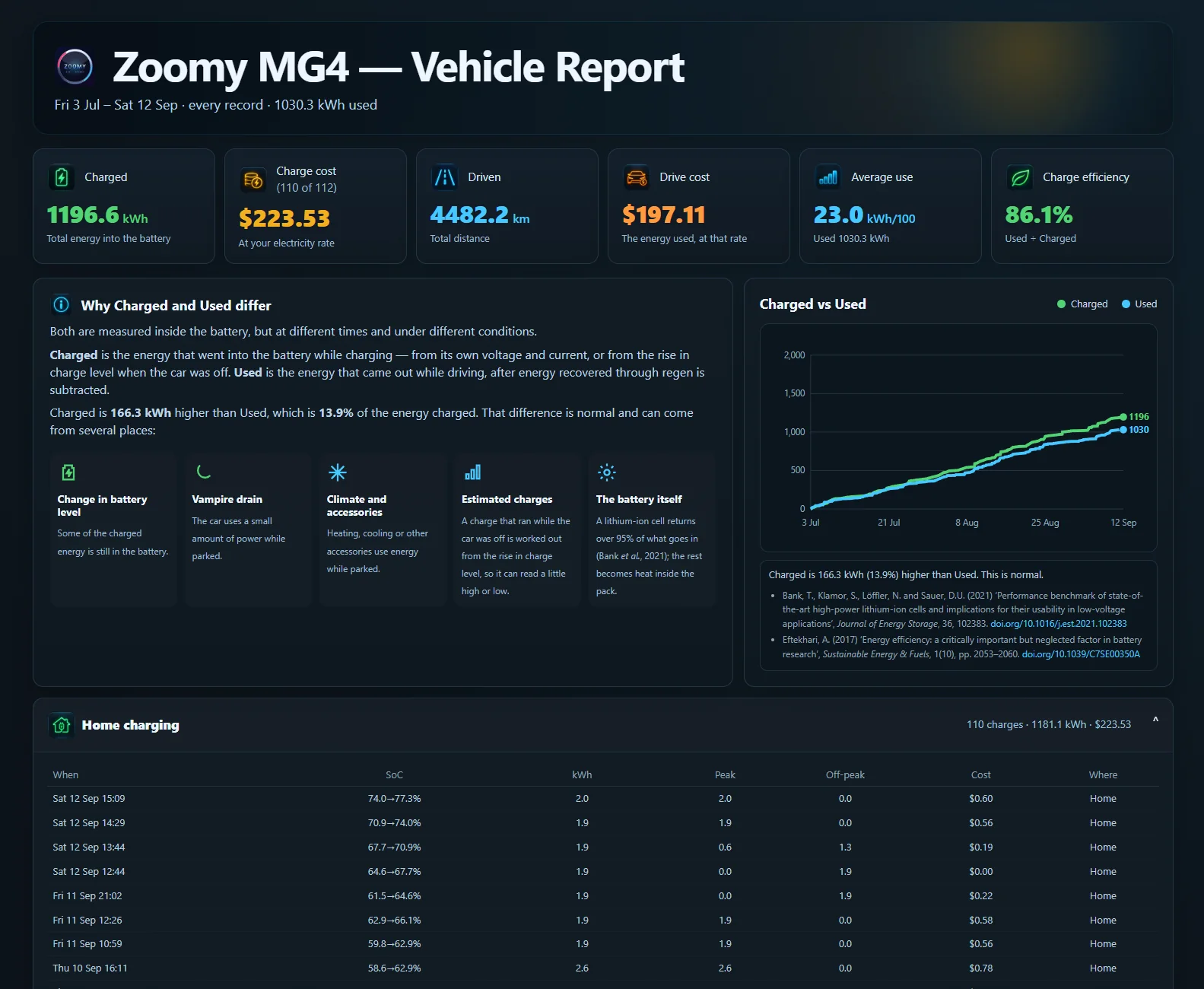
See your energy use and what charging really cost, using your own electricity price.
Keep an eye on every tyre
Check tyre pressure (PSI) and tyre temperature (°C) at all four corners.
Take the whole record with you
Every drive and every charge is recorded as it happens. Copy the lot to a USB stick with one tap and open it on your computer — how much you charged, how far you drove, what each one cost at your own electricity price, and the route of every trip.
Choose the last 7, 30 or 90 days — or everything the car still holds.
Claiming work travel? Tick the trips that were for work. The report adds those up on one line and everything else on another — kilometres and cost for each — and exports to a spreadsheet you can hand to your accountant or your novated lease provider. Ticking is the only part you do: the car has already recorded every trip.
Will Zoomy work in your MG4?
Zoomy is fully tested on a 2023 MG4 XPOWER running screen software SWI 165.
MG4 models
All five Australian MG4 variants use the same Infotainment System. The XPOWER, highlighted, is the car Zoomy was developed and tested on.
 XPOWER
 Long Range 77
 Essence 64
 Excite 64
 Excite 51
Screen software versions
Zoomy reads your car’s screen software at startup and adapts automatically. Zoomy was built using the 2023 MG4 XPOWER running screen software SWI 165.
- SWI 165
- SWI 133
- SWI 132
- SWI 131
- SWI 69
- SWI 68
How do I check my screen version?
You can find the software version on the car’s Infotainment System — you don’t need Zoomy or a dealer to check it.
- Find your version
- On the car’s screen, go to Settings → System → Entertainment System Version.
- You’ll see a number similar to SWI 165-29176-1100R11.
- Your number may be different. That’s completely normal.
- What does the number mean?
- The first part — SWI 165 — is the one that matters. It is the software line your car is on, and it is what Zoomy checks.
- The middle number identifies the wider platform. Cars on a different one, such as the UK and European MG4s, carry a different number there.
- The R at the end is the revision, counting up as MG releases updates.
- Which line your car is on
- SWI 165 — Essence 64, Long Range 77 and XPOWER. This is the line Zoomy is built and tested on.
- SWI 131 — Excite 51 and Excite 64. Recognised by Zoomy.
- SWI 68 and SWI 69 — UK and European cars.
- SWI 132 and SWI 133 — further branches Zoomy recognises.
Install Zoomy, then Zoomy is ready whenever you drive.
- Buy and download
On any PC or Mac.
- Copy Zoomy to a USB stick
Use a small stick, 32 GB or less, formatted as FAT32. The file itself is only about 15 MB, so size is never the problem — the format is. How to format a stick as FAT32, on Windows or Mac →
- Install it on the MG4 screen
The install process is found here zoomyzoom.com.au/install.
- Enjoy it whenever you drive
Zoomy stays on the car from then on. Open it when you want it with a long press on the left ★ star button on the steering wheel — a hold, not a tap. It can be moved to the right-hand button on Zoomy’s settings page.
Zoomy for your MG4
One licence, one car, one payment — and it can be on the screen the same evening.
- Download it immediately after payment — straight from this page.
- Future Zoomy updates included — new versions come to you by email invite, and you install them when you choose, keeping your trips, charges and settings.
- Once. Not a subscription.
- No account to create.
- Download as soon as it clears.
Cart
Terms and who you are buying from
One licence, one car. Download as soon as your order is processed — no email to wait for. Not a subscription.
Your country's rules are yours to know. Zoomy is built and sold from Australia for a car sold in many countries. What the software does to a vehicle, and whether you may run it on yours, is between you and the rules where you drive.
Source code is a separate, optional purchase on top of the car licence. It is delivered as a GitHub invite, sent by hand rather than instantly.
Compatibility: this runs on the MG4’s own factory screen only — not a phone, a tablet or an aftermarket app — read the requirements above before buying, and ask first if you are unsure.
Seller: three independent developers in Australia — not a company, not a dealer. Support and install help go to the address on your Stripe receipt.
Not affiliated with MG Motor or SAIC. Installing it is your decision and may affect your vehicle warranty — check with your dealer if that matters to you.
Payment is handled entirely by Stripe's hosted checkout — pay with Google Pay or a card on Stripe's page, never on this one. This site keeps no account, stores no name, email or card detail, and sets no tracking. Your receipt comes from Stripe.
The Full Source Code
Read the code, change it, build it and run your own builds on cars you own. Optional, and not needed to use Zoomy.
Derived over hundreds of hours of human effort and billions of AI tokens to assist building this product.
Custom apps too — add your own springboard tiles for music, video, email, a browser and hundreds more. Zoomy hands them the car's single media output, which is what makes their sound work on this screen at all.
- 785files
- 180,902lines of code
- 30,183strings
- 20,647variables
- 1,606released versions
- 3,528commits
- Access the Full Source Code — and get access to the hundreds of hours of our R&D and research.
- The source itself, yours to keep — clone it, copy it into your own repository, and read it, change it, build it and run your builds on cars you own. You simply cannot publish, sell, or hand builds to anyone else, so keep your copy private.
- The app comes first — the source is for people who already hold a Zoomy car licence; checkout asks for that receipt number, unless the licence is in the same order.
- The source, yours to keep.
- The same code the app is built from.
- One on one communication with us about everything we’ve learnt and how we did it.
- Access is granted by hand as a GitHub invite — not instant.